
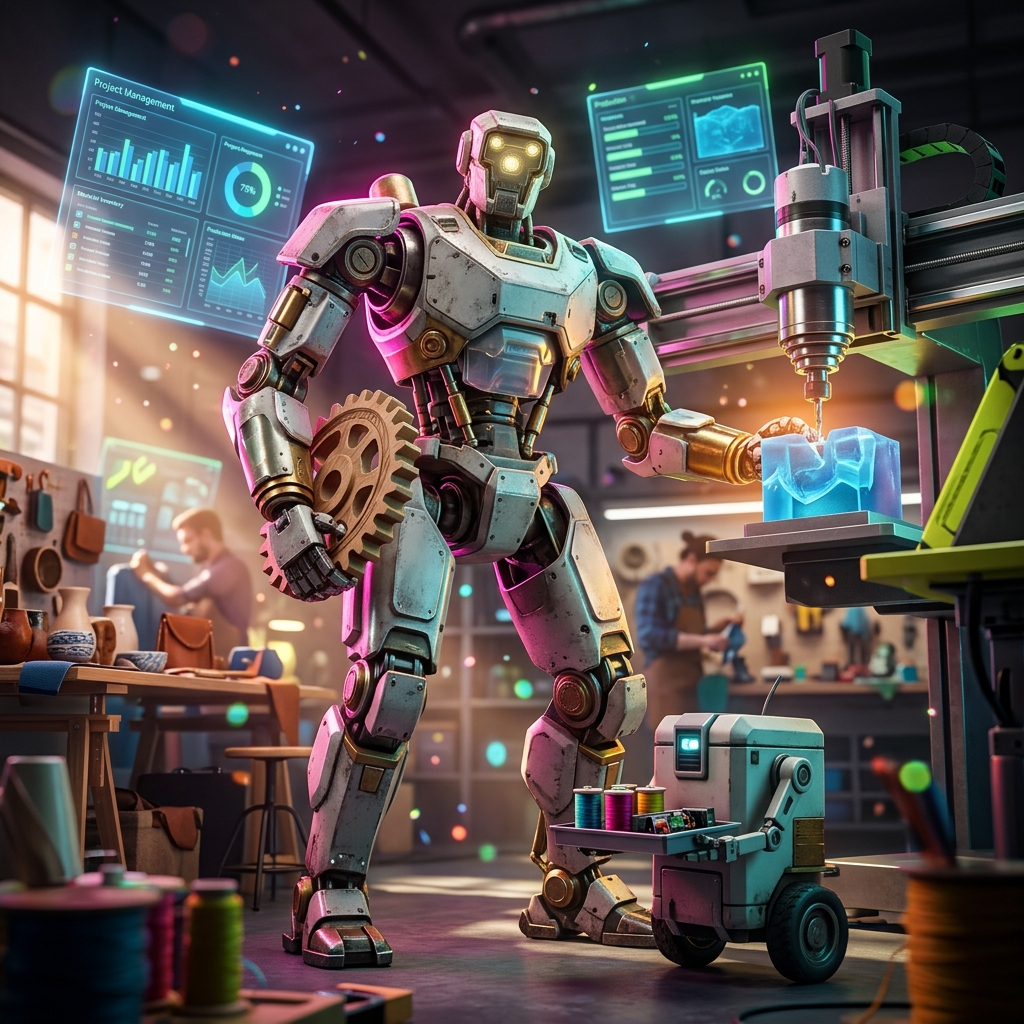
Artefacta: The Ultimate Production OS for Craft Studios
In the world of handmade goods, every piece is unique, and so are the challenges of running a studio. From managing custom orders to tracking raw materials and coordinating skilled artisans, the operational side of a craft business can be as complex as the craft itself. Artefacta steps in as a dedicated production operating system (OS) built for modern crafts and maker studios, offering a comprehensive solution to streamline every aspect of your workflow.
What is Artefacta?
Artefacta is a studio production suite that centralizes project management, material tracking, team coordination, quality control, and client deliverables into one intuitive platform. It's designed to replace the patchwork of spreadsheets, emails, and sticky notes that many studios rely on, providing a single source of truth for all operations.
Key Features of Artefacta
- **Dashboard:** Get an at-a-glance view of key performance indicators (KPIs) like active projects, revenue, on-time delivery rate, quality score, team utilization, and pipeline value. The dashboard helps you make data-driven decisions quickly.
- **Studio Board:** A visual planning interface where you can map out project timelines, assign tasks, and track progress in a Kanban-style layout. It's perfect for managing multiple projects simultaneously.
- **Asset Library:** A centralized catalog for all your assets—raw materials, components, tools, and finished products. Track inventory levels, costs, and usage in real-time.
- **Briefs:** Capture client requirements in a structured format and automatically generate project briefs. This ensures that no detail is lost and every team member is aligned.
- **Pipeline:** Visualize the entire production process from initial inquiry to final delivery. Identify bottlenecks, forecast workloads, and manage proposals effectively.
- **Quality Gates:** Implement checkpoints throughout the production process to ensure each piece meets your studio's quality standards. Customizable checklists and sign-offs keep quality consistent.
- **Exports:** Simplify the delivery of final assets, whether physical goods or digital files. Generate shipping labels, certificates of authenticity, or digital downloads with ease.
Who is Artefacta For?
Artefacta is ideal for:
- **Bespoke Furniture Workshops:** Manage custom commissions, track wood and hardware inventory, and coordinate carpenters and finishers.
- **Ceramic Studios:** Handle kiln schedules, glaze materials, and multiple artist projects.
- **Textile Ateliers:** Track fabric rolls, manage pattern making, and coordinate seamstresses.
- **Jewelry Makers:** Organize precious metals and stones, manage production runs, and ensure quality in each piece.
- **Maker Spaces:** Coordinate various projects, share resources, and manage a community of makers.
- **Independent Artisans:** Even solo makers can benefit from having a structured system to manage clients and projects.
Why Artefacta is Unique
Unlike generic project management tools, Artefacta is tailored to the craft industry. It understands that your materials are not just SKUs but have unique properties—wood grain, fabric texture, clay color—that affect the final product. It accommodates the variability inherent in handmade goods and the skills of your makers.
Artefacta also integrates an **AI Guide** that offers intelligent insights. For example, it can predict potential delays based on project timelines and resource allocation, suggest optimal material ordering times, or identify quality issues before they become problems. This proactive approach helps you stay ahead of challenges.
How to Use Artefacta: A Step-by-Step Guide
1. **Set Up Your Studio:** Start by creating your studio profile, adding team members, and defining your production stages (e.g., design, prototyping, production, finishing, delivery). 2. **Add Your Assets:** Populate the Asset Library with your materials, tools, and finished products. Include details like cost, quantity, and supplier information. 3. **Create a Project:** When a new client inquiry comes in, create a project from the Briefs section. Input client requirements, timelines, and budget. Artefacta will generate a project brief automatically. 4. **Plan on the Studio Board:** Use the Studio Board to break down the project into tasks and assign them to your makers. Set deadlines and dependencies. 5. **Track Progress:** As work progresses, update task statuses. The dashboard and pipeline views will show real-time progress and alert you to any bottlenecks. 6. **Manage Quality:** At each quality gate, have your QA person inspect the work and sign off. Use checklists tailored to your craft to ensure consistency. 7. **Deliver and Export:** Once the project is complete, use the Exports module to generate final deliverables, whether that's a shipping label or a digital file. Mark the project as delivered, and the system updates your KPIs. 8. **Analyze and Improve:** Regularly review your dashboard to identify trends. Use the AI Guide's recommendations to optimize your processes.
Real-World Use Cases
- **Custom Furniture Studio:** A studio receives a commission for a custom dining table. They create a project in Artefacta, assign a lead carpenter, and track material procurement. Quality gates ensure the wood is properly dried and finished. The table is delivered on time, and the client's feedback is recorded for future improvements.
- **Ceramic Art Collective:** A group of ceramic artists shares a studio. They use Artefacta to manage kiln schedules, order glazes collectively, and track each artist's projects. The pipeline view helps them coordinate firing times and avoid clashes.
- **Textile Brand:** A small textile brand produces limited-edition scarves. They track fabric inventory, manage production batches, and ensure each scarf passes quality checks. The dashboard shows which designs are selling best, informing future production.
- **Jewelry Maker:** An independent jewelry maker uses Artefacta to manage custom orders. They track gemstone inventory, schedule production, and send digital proofs to clients via the Briefs feature. The Exports module generates certificates of authenticity.
Frequently Asked Questions
What makes Artefacta different from other project management tools? Artefacta is designed specifically for craft and maker businesses. It includes features like material tracking, quality gates, and maker assignment that generic tools lack. It also understands the nuances of handmade production.
Can I use Artefacta as a solo maker? Absolutely! Artefacta scales to your needs. You can use it to manage your projects, track materials, and communicate with clients, even if you're a team of one.
Is Artefacta cloud-based? Yes, Artefacta is a cloud-based platform, so you can access it from any device with an internet connection. This is perfect for studios with multiple locations or on-the-go makers.
Does Artefacta handle inventory management? Yes, the Asset Library allows you to track raw materials, components, and finished goods. You can set reorder points and receive alerts when stock is low.
Can I customize quality checklists? Yes, quality gates are fully customizable. You can create checklists specific to your craft, such as checking for wood grain consistency, glaze evenness, or stitch quality.
How does the AI Guide work? The AI Guide analyzes your studio's data to provide actionable insights. It can predict delays, suggest optimal resource allocation, and identify patterns that may affect quality or profitability.
Is there a mobile app? Artefacta is responsive and works well on mobile browsers, but a dedicated mobile app is in development. For now, you can manage your studio on the go via your phone's browser.
Conclusion
Artefacta is more than just a project management tool—it's a production operating system that understands the craft industry. By centralizing your operations, providing intelligent insights, and streamlining workflows, Artefacta empowers you to run your studio more efficiently, deliver higher quality work, and grow your business. Ready to transform your craft studio? Try Artefacta today and experience the difference a dedicated OS can make.