
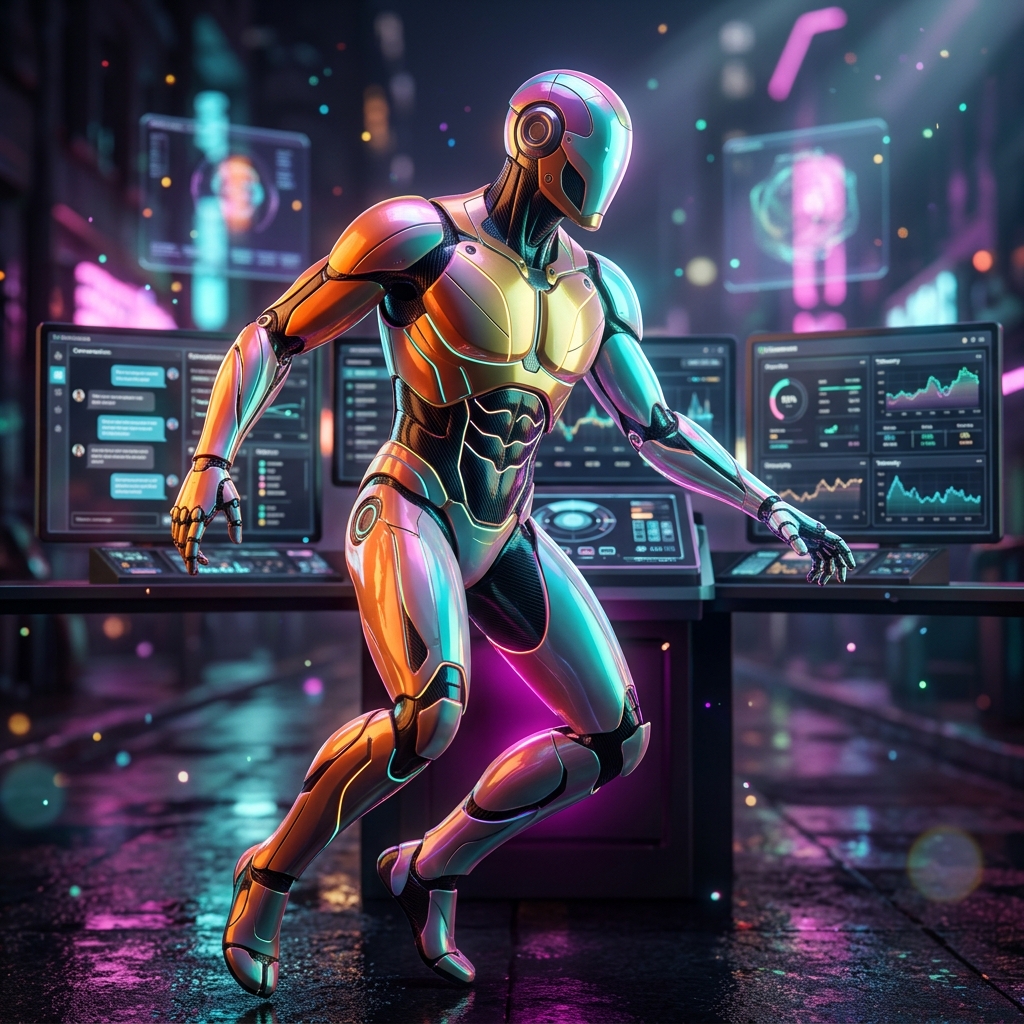
BotOrchestra: The Ultimate Mission Control for Chatbot Operations
In today's digital landscape, chatbots have evolved from simple Q&A tools to sophisticated AI assistants that handle critical customer interactions, internal processes, and even revenue generation. As organizations deploy multiple chatbots across various channels, the need for a centralized operations platform becomes paramount. Enter BotOrchestra – a mission control cockpit designed to give chatbot operations teams the command, telemetry, and intelligence they need to manage AI assistants at scale.
Why Chatbot Operations Need a Mission Control
Managing a single chatbot is challenging enough, but when you're responsible for a fleet of AI assistants, the complexity multiplies. Each bot may have its own intents, workflows, and performance metrics. Without a unified view, operations teams often find themselves juggling multiple dashboards, struggling to identify issues, and reacting to problems rather than preventing them. BotOrchestra solves this by providing a single, comprehensive platform that brings all your chatbot operations into one cohesive interface.
The Command Deck: Your Operational Hub
At the heart of BotOrchestra is the Command Deck, a real-time operational overview of all active chatbots and automation pipelines. This dashboard displays key telemetry such as conversation volume, intent performance, and system health, allowing operators to quickly assess the status of their entire fleet. The Command Deck is designed for at-a-glance monitoring, with visual indicators that alert you to anomalies or potential issues before they escalate.
Key Capabilities of BotOrchestra
1. Intent Orchestration
Intents are the building blocks of any chatbot conversation. BotOrchestra allows you to manage intents across all your bots from a single interface. You can create, modify, and test intents, ensuring that your AI assistants understand user queries accurately. The platform's search functionality makes it easy to locate specific intents, even in large deployments.
2. Workflow Automation
Chatbots often need to execute complex workflows, such as processing orders, scheduling appointments, or escalating issues to human agents. BotOrchestra enables you to design and orchestrate these workflows visually, connecting your bots to backend systems and third-party APIs. This automation reduces manual intervention, speeds up resolution times, and ensures consistency across all conversational surfaces.
3. Real-Time Telemetry
Telemetry is the lifeblood of chatbot operations. BotOrchestra collects and displays real-time data on conversation metrics, response times, error rates, and user satisfaction scores. This telemetry is crucial for identifying bottlenecks, optimizing performance, and making data-driven decisions. With BotOrchestra, you can drill down into specific bots or intents to understand exactly where improvements are needed.
4. Risk Management
Every chatbot deployment carries risks – from security vulnerabilities to unintended responses. BotOrchestra includes a comprehensive Risk Register that helps you identify, assess, and mitigate these risks. You can set up alerts for unusual behavior, track compliance requirements, and ensure that your AI assistants operate within defined guardrails.
5. Executive Reporting
Stakeholders need to understand the impact of your chatbot operations. BotOrchestra generates detailed executive reports that summarize performance, highlight achievements, and surface areas for improvement. These reports are customizable and can be scheduled for automatic delivery, keeping your leadership team informed without manual effort.
6. Mission Timeline and Planning
Rolling out new chatbots or updating existing ones requires careful planning. BotOrchestra's Mission Timeline feature allows you to schedule deployments, track progress, and coordinate teams. This ensures that changes are rolled out smoothly and with minimal disruption to ongoing operations.
Who Can Benefit from BotOrchestra?
BotOrchestra is designed for chatbot operations teams in enterprises, customer support centers, and any organization that relies on AI assistants for critical functions. It's particularly valuable for:
- **Customer Support Teams**: Manage multiple support bots across channels, ensuring consistent and efficient responses.
- **IT Operations**: Monitor the health and performance of internal AI assistants used for IT helpdesk functions.
- **Product Managers**: Gain insights into how users are interacting with chatbots, informing product decisions.
- **DevOps Engineers**: Integrate chatbot operations with existing CI/CD pipelines and monitoring tools.
- **Business Executives**: Access high-level reports that demonstrate the ROI of AI initiatives.
Real-World Use Cases
Customer Service Optimization
A global e-commerce company uses BotOrchestra to manage its customer service bots across web, mobile, and social media channels. With real-time telemetry, the team identifies that the bot on social media has a higher error rate during peak hours. They adjust the workflow to escalate more complex queries to human agents, reducing response times and improving customer satisfaction.
Internal IT Support
A large enterprise deploys an internal chatbot to help employees with IT issues. BotOrchestra's risk register flags a potential security vulnerability in the bot's authentication flow. The team quickly patches the issue and uses the mission timeline to schedule the update without disrupting employee support.
Sales and Lead Qualification
A B2B company uses chatbots to qualify leads on its website. By analyzing telemetry, the team discovers that certain intents have a high drop-off rate. They optimize the conversation flow, resulting in a 20% increase in qualified leads.
How to Get Started with BotOrchestra
Getting started with BotOrchestra is straightforward. Here's a step-by-step guide:
1. **Connect Your Chatbots**: Use the integration APIs to connect your existing chatbots to BotOrchestra. The platform supports popular frameworks and custom-built solutions. 2. **Configure Telemetry**: Set up which metrics you want to track, such as conversation volume, response times, and user satisfaction. 3. **Import Intents**: Bring your existing intents into the platform, or create new ones using the intent editor. 4. **Design Workflows**: Use the visual workflow builder to automate processes and integrate with external systems. 5. **Set Up Risk Alerts**: Define thresholds for risk indicators, such as error rates or unusual user queries. 6. **Generate Reports**: Create custom reports and schedule them for automatic distribution to stakeholders. 7. **Monitor and Optimize**: Use the Command Deck to monitor performance and continuously optimize your chatbots based on telemetry insights.
Conclusion
BotOrchestra is more than just a monitoring tool – it's a complete mission control for chatbot operations. By centralizing command, telemetry, risk management, and reporting, it empowers teams to manage AI assistants with confidence and precision. Whether you're running a few support bots or a fleet of hundreds, BotOrchestra gives you the visibility and control you need to ensure your chatbots are always performing at their best. Embrace the future of conversational AI operations with BotOrchestra.