
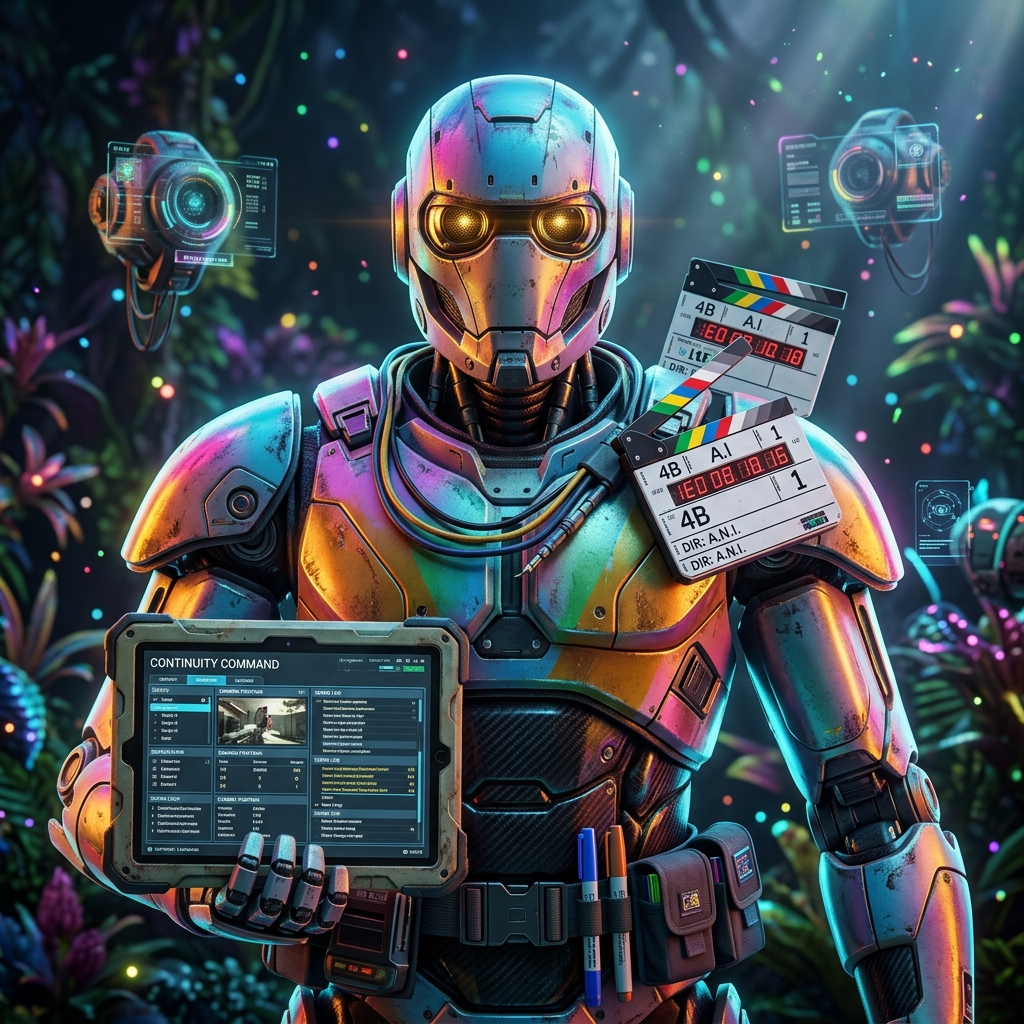
The Ultimate Offline Continuity Solution for Film Sets
Film production is a complex ballet of moving parts—actors, cameras, lights, props, and schedules—all needing to align perfectly to create a seamless final product. Yet, ensuring continuity across multiple takes and shooting days has traditionally been a manual, error-prone process. Continuity Command changes the game by offering a comprehensive, digital command center that works entirely offline, so you can track every detail without missing a beat.
What is Continuity Command?
Continuity Command is a specialized application designed for film directors, script supervisors, and continuity professionals. It provides a centralized platform to record and manage all visual and narrative elements of a production. From the color of an actor's tie to the position of a coffee cup on a table, every detail can be documented with precision. The app is built to be fully functional without an internet connection, using IndexedDB to store data locally on your device. This means you can use it in the most remote locations—no Wi-Fi, no cell service, no problem.
Key Features That Keep Your Production on Track
- **Scene Tracking**: Log every scene with details such as scene number, location, time of day, and status (e.g., not started, in progress, completed).
- **Costume & Makeup Logs**: Record each actor's wardrobe and makeup for every scene, including accessories and touch-up notes.
- **Prop Management**: Track all props, their placement, and any changes between takes.
- **Lighting Setup**: Document lighting configurations, including light positions, intensities, and color gels.
- **Actor Positions**: Define blocking and actor positions on set, with the ability to add notes or diagrams.
- **Camera Data**: Log camera type, lens, focal length, and camera movements for each shot.
- **Scene Timing**: Track the duration of each scene and take, helping you manage shooting schedules.
- **Reference Photos**: Attach photos to scenes, costumes, props, or any other element for visual reference.
- **Take Comparison**: Compare multiple takes side-by-side to spot differences in acting, prop placement, or lighting.
- **Script Changes**: Record any script revisions and their impact on continuity.
- **Triage Queue**: Flag potential continuity issues that require immediate attention.
- **Reports & Analytics**: Generate detailed reports on take counts, errors, and production progress.
Why Offline Matters
In the film industry, production can take you anywhere—from bustling city streets to remote forests. Internet access is often unreliable or nonexistent. Continuity Command's offline-first approach ensures that you have access to your data at all times. You can log takes, update scenes, and capture photos without worrying about connectivity. Once you're back online, the app doesn't require any sync—your data stays on your device, giving you full control and privacy.
A Premium Interface for Professional Workflows
The user interface of Continuity Command is designed to feel like a high-end production tool. The dark theme reduces eye strain during long shooting days, and the layout is intuitive, allowing you to navigate quickly between scenes, takes, and reports. The dashboard provides a real-time overview of your production, with key performance indicators such as scenes completed, takes logged, and continuity errors flagged. You can customize the interface to match your workflow, from the data fields you track to the color coding of statuses.
Who Can Benefit from Continuity Command?
- **Film Directors**: Maintain creative vision and ensure visual consistency across all shots.
- **Script Supervisors**: The primary users, who will find every tool they need to do their job effectively.
- **Production Assistants**: Help log data and manage scene details.
- **Editors**: Use the detailed logs to understand what was shot and identify any continuity issues.
- **Producers**: Monitor production progress and identify potential delays.
Getting Started with Continuity Command
Using Continuity Command is straightforward. Upon opening the app, you'll land on the Command Center dashboard. From there, you can create a new scene by clicking the 'New Scene' button. Fill in the scene details, then start logging takes. For each take, you can add notes, photos, and track specific elements like costumes and props. The Triage Queue automatically flags any inconsistencies you mark, so you can review them later. The Reports section lets you generate PDF reports to share with your team.
Conclusion
Continuity Command is more than just an app—it's a productivity powerhouse for film production. By digitizing the continuity process and making it fully offline, it saves time, reduces errors, and gives you peace of mind. Whether you're a seasoned professional or just starting, Continuity Command is the tool you need to keep your production running smoothly. Try it today and see the difference it makes on your next shoot.