
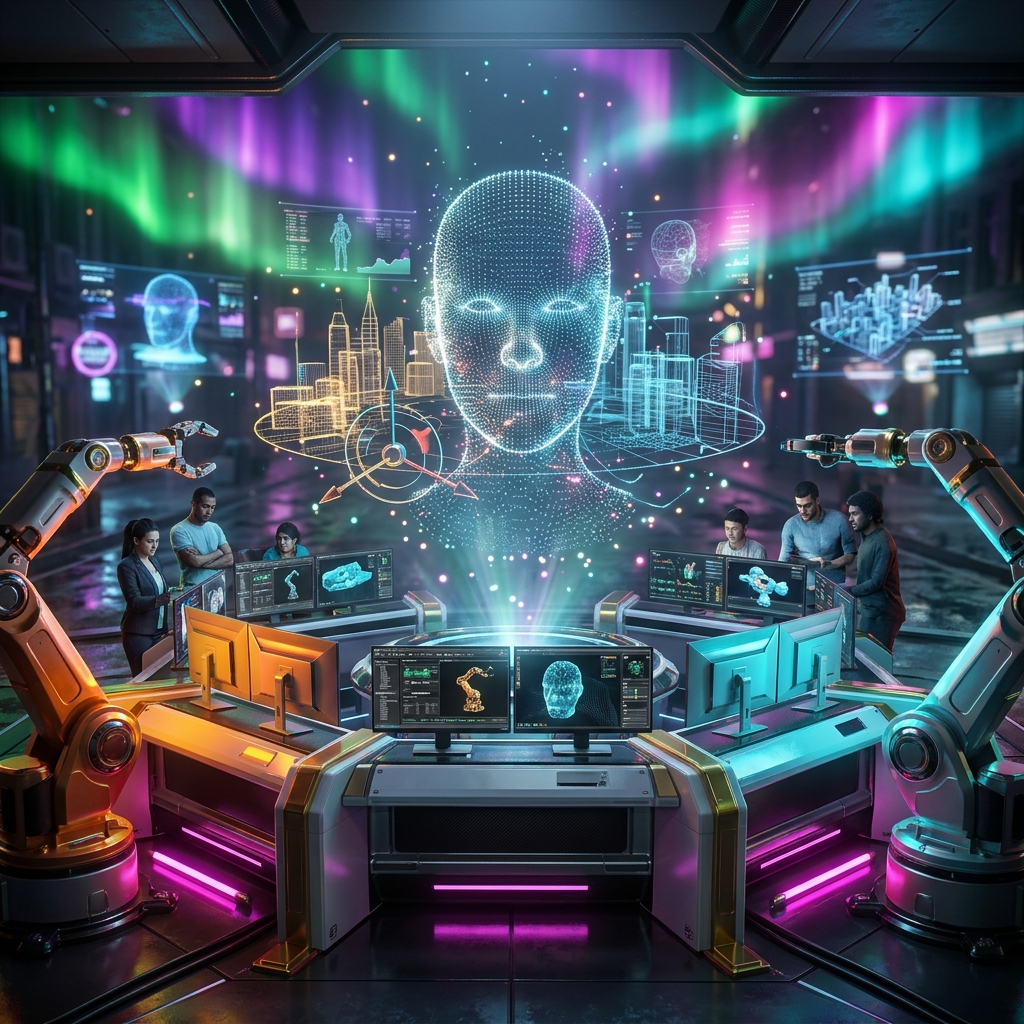
MeshForge Control Center: Your 3D Modeling Mission Console
Managing a 3D modeling pipeline is complex. Multiple models, artists, deadlines, and render engines can quickly become chaotic. MeshForge Control Center transforms this chaos into a streamlined mission, giving you a single pane of glass to monitor, manage, and optimize your entire 3D production workflow.
What is MeshForge Control Center?
MeshForge Control Center is a dedicated mission console for 3D modeling teams. It provides real-time visibility into active models, render queues, engine status, and team performance. With features like intake management, workflow tracking, telemetry snapshots, risk boards, and exportable reports, MeshForge is the central hub for all your modeling operations.
Key Features
Command Center Dashboard - **KPI Cards**: Track active models, completed today, average resolution, and render queue at a glance. - **Telemetry Strip**: Monitor models in progress, average bake time, completion rate, and engines online. - **Tabbed Views**: Switch between Ops, Queue, and Matrix views for different levels of detail.
Intake Queue - Easily add new models with a single click. - View all incoming models in a prioritized list. - Assign tasks and set deadlines directly from the queue.
Workflow Management - Visualize active workflows with status indicators. - Drag-and-drop to reorder tasks. - Automate notifications for task completion.
Telemetry & Analytics - Real-time data on model progress and system performance. - Bar graphs for completion rates and trends. - Historical data for capacity planning.
Risk Board - Identify at-risk projects before they miss deadlines. - Color-coded alerts for immediate attention. - Mitigation suggestions based on historical patterns.
Reports & Export - Generate detailed reports on team performance. - Export data to CSV for further analysis. - Customizable report templates.
Who is MeshForge For?
- **Game Development Studios**: Manage complex character and environment modeling pipelines.
- **Architectural Visualization Firms**: Track multiple building models and renderings.
- **Animation Houses**: Coordinate character rigging, texturing, and lighting.
- **VFX Studios**: Oversee shot production and asset creation.
- **Freelance Teams**: Small groups needing lightweight project management.
Why MeshForge Stands Out
Unlike generic project management tools, MeshForge is purpose-built for 3D modeling. It understands the unique terminology and workflows of the industry. The interface mimics a mission control center, making it intuitive for tech-savvy artists and producers. Real-time telemetry and risk assessment help teams stay proactive rather than reactive.
Getting Started
1. **Set up your team**: Add team members and assign roles. 2. **Configure engines**: Connect your render farm or local engines. 3. **Add models**: Use the intake queue to bring in new work. 4. **Monitor workflows**: Watch progress in real-time on the dashboard. 5. **Review risks**: Check the risk board daily to prevent delays. 6. **Export reports**: Share performance data with stakeholders.
Conclusion
MeshForge Control Center is the ultimate tool for 3D modeling teams that demand control and clarity. By centralizing workflow management, telemetry, and risk assessment, it helps you deliver high-quality models on time, every time. Take command of your 3D production today.