
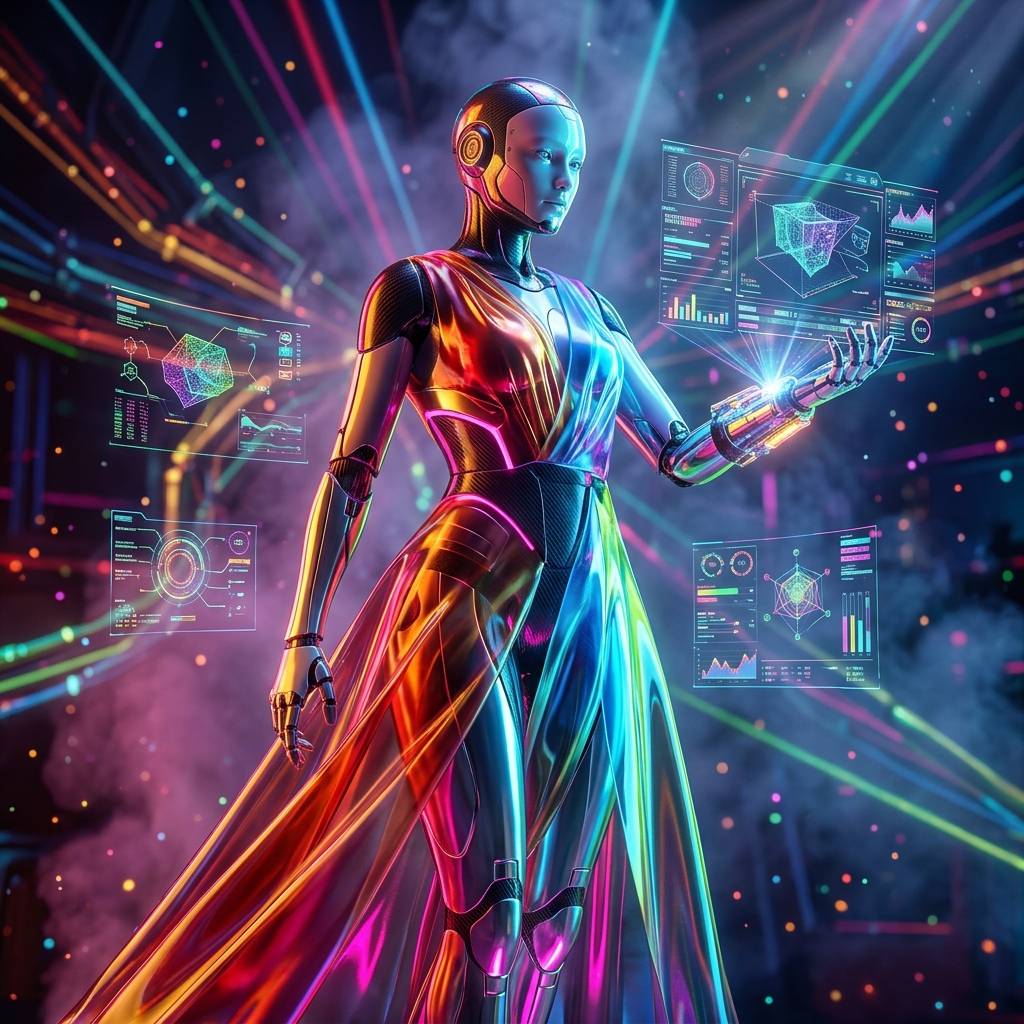
PolygonForge — 3D Modeling Mission Control
PolygonForge is a mission control dashboard for 3D modeling teams, managing assets, renders, workflows, and telemetry in real-time.
Live demo
🔒 Read-only preview — source is not copyable. Preview responsive behavior with the device toggle.
About PolygonForge — 3D Modeling Mission Control
PolygonForge is the ultimate mission control dashboard for 3D modeling professionals and studios. It transforms chaotic asset pipelines into streamlined, real-time operational cockpits. With a telemetry ribbon displaying active renders, queue depth, risk indicators, and session time, teams gain instant visibility into production health. The command console provides a global search across assets, tasks, and references, plus quick actions for new assets and command palettes. The operational cockpit features a mission dashboard with KPIs like assets in pipeline, active renders, average render time, and queue depth. An asset health radar visualizes performance across key dimensions. Workflows section allows creation and monitoring of custom pipelines with drag-and-drop nodes. Telemetry section offers detailed logs and performance metrics. Risk management identifies bottlenecks and failure points. Reports generate exportable summaries. Settings customize everything from render farms to notification rules. PolygonForge is built for studios handling complex 3D projects, offering unparalleled oversight and control. Its unique value lies in unifying asset management, rendering orchestration, and team collaboration into one real-time interface. Key capabilities include multi-project dashboards, automated workflow triggers, risk prediction, and historical analytics. Whether you're in game development, architectural visualization, or VFX, PolygonForge elevates your 3D production management.
Key features
- ✦ Real-time mission dashboard with live KPIs (assets, renders, queue depth, render times)
- ✦ Telemetry ribbon displaying mode, queue, active renders, risk level, session time, and clock
- ✦ Command console with global search across assets, tasks, and references
- ✦ Workflow builder with drag-and-drop node-based pipeline creation
- ✦ Asset health radar chart for multi-dimensional performance visualization
- ✦ Risk management module identifying bottlenecks and predicting failures
- ✦ Customizable reporting engine for stakeholder summaries
- ✦ Schedule and calendar view for deadlines and render slots
Use cases
- → Managing multiple 3D projects simultaneously with real-time oversight
- → Monitoring render farm status and queue depth to prevent bottlenecks
- → Automating repetitive workflow steps like file conversion and validation
- → Generating client-ready status reports from live data
- → Predicting and mitigating production risks using historical analytics
- → Onboarding new team members with a centralized view of all assets and tasks
FAQ
What is PolygonForge?
PolygonForge is a mission control dashboard for 3D modeling teams, providing real-time oversight of assets, renders, workflows, and telemetry in one interface.
Who can benefit from PolygonForge?
3D modeling studios, VFX houses, game development teams, architectural visualization firms, and freelance 3D artists can all benefit from its centralized production management.
Does PolygonForge integrate with 3D software?
Yes, PolygonForge integrates with popular 3D applications like Blender, Maya, 3ds Max, and render farms through APIs and plugins.
Is PolygonForge cloud-based or on-premise?
PolygonForge offers both cloud-based and on-premise deployment options to suit different security and infrastructure needs.
Can I customize the dashboard?
Absolutely. The dashboard is highly customizable, allowing you to choose which KPIs, charts, and sections to display.
Does PolygonForge support team collaboration?
Yes, it includes team management features, role-based access, and real-time collaboration on workflows and assets.
Is there a free trial?
Yes, PolygonForge offers a 14-day free trial with full access to all features.