
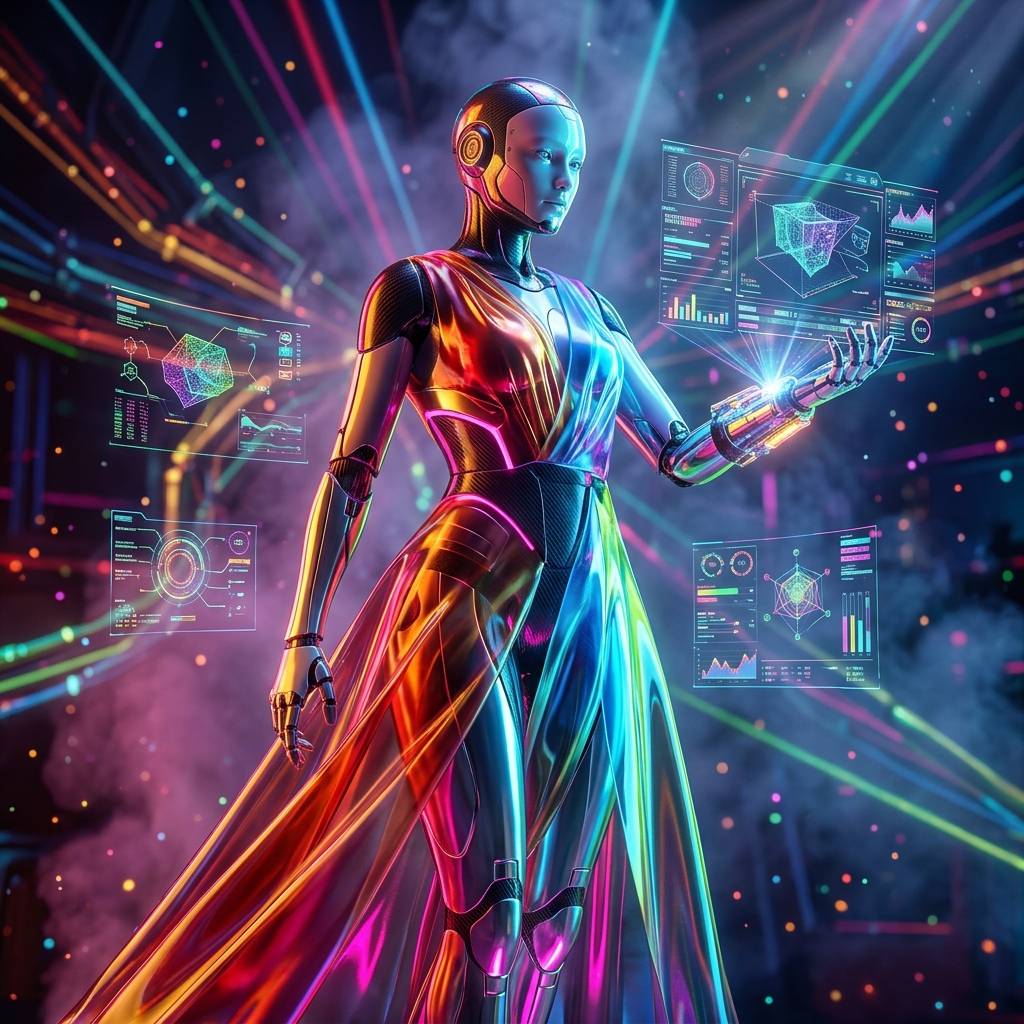
PolygonForge: 3D Modeling Mission Control – The Ultimate Production Dashboard
In the competitive landscape of 3D modeling, efficiency and oversight are paramount. Studios juggle multiple projects, thousands of assets, and complex render queues. Traditional project management tools fall short, leaving teams scrambling for status updates. Enter **PolygonForge** – a dedicated mission control dashboard built from the ground up for 3D production.
What is PolygonForge?
PolygonForge is a real-time operational cockpit designed for 3D modeling teams. It aggregates asset management, render orchestration, workflow automation, and telemetry into a single, intuitive interface. Think of it as the bridge between your creative tools and production management.
Key Capabilities
- **Real-Time Dashboard:** Live KPIs for assets in pipeline, active renders, average render time, and queue depth.
- **Asset Health Radar:** Visual representation of asset performance across multiple dimensions.
- **Command Console:** Global search across assets, tasks, and references; quick actions for new assets and command palette.
- **Workflow Builder:** Drag-and-drop node-based pipeline creation and monitoring.
- **Telemetry & Logs:** Detailed performance metrics and error logs with filtering.
- **Risk Management:** Identifies bottlenecks, predicts failures, and suggests mitigation.
- **Reporting Engine:** Customizable reports for stakeholders.
- **Schedule & Calendar:** Timeline view of upcoming deadlines and render slots.
Who Needs PolygonForge?
PolygonForge is ideal for:
- **3D Modeling Studios** managing multiple client projects.
- **VFX and Animation Houses** with complex render pipelines.
- **Game Development Teams** handling large asset libraries.
- **Architectural Visualization Firms** requiring strict deadlines.
- **Freelance 3D Artists** wanting to professionalize their workflow.
Why Choose PolygonForge?
Unlike generic project management tools, PolygonForge is purpose-built for 3D production. Its telemetry ribbon provides instant status of critical metrics. The risk management module uses historical data to flag potential delays. The workflow builder automates repetitive tasks, freeing artists to focus on creativity.
Standout Features
1. **Telemetry Ribbon:** Always-visible status bar with mode, queue, active renders, risk level, session time, and live clock. 2. **Command Console:** Centralized search and action hub. Press Cmd/Ctrl+K to open command palette. 3. **Mission Dashboard:** Customizable KPI widgets with trend indicators. 4. **Asset Health Radar:** Multi-dimensional radar chart for quick health assessment. 5. **Workflow Automation:** Node-based pipeline editor with triggers and notifications. 6. **Risk Prediction:** AI-driven analytics (future update) to forecast bottlenecks.
How PolygonForge Boosts Productivity
By centralizing all production data, PolygonForge eliminates context switching. Artists and producers see exactly what's happening without digging through emails or spreadsheets. The real-time nature means issues are spotted early, reducing render downtime. The reporting engine generates client-ready status reports in minutes.
Getting Started with PolygonForge
1. **Set up your workspace** by adding projects and teams. 2. **Integrate your render farm** and 3D software (Blender, Maya, 3ds Max, etc.). 3. **Define workflows** using the visual pipeline editor. 4. **Monitor the dashboard** and react to alerts. 5. **Generate reports** for clients or internal reviews.
Conclusion
PolygonForge is more than a dashboard – it's your 3D production command center. It brings order to chaos, visibility to complexity, and control to your pipeline. Whether you're a solo artist or a large studio, PolygonForge elevates your 3D modeling operations to new heights of efficiency.